SpriteVFX
Start with the layer behind the action
Place a subdued weather treatment behind important characters and examine it while the camera moves. Add foreground elements only when they improve depth without hiding targets. A fixed sprite canvas can reveal its boundaries, so inspect repeated edges instead of assuming that any cloud or rain animation tiles seamlessly.
Add local responses to broad weather
A puddle splash at a footstep or a ripple under a falling drop can connect the atmosphere to the playable space. Trigger these smaller responses from game events and keep their origins aligned to surfaces. Broad weather and local water contacts do not need the same duration or playback phase.
Choose a layer for foreground and distance
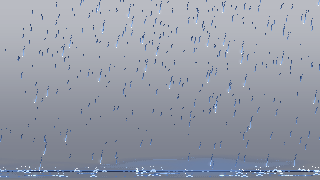
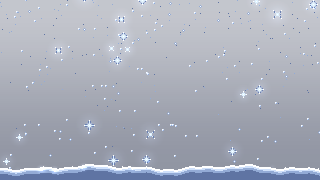
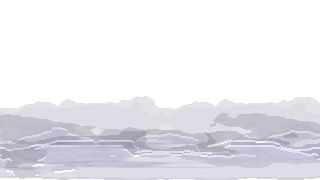
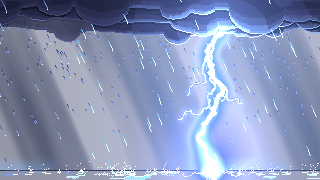
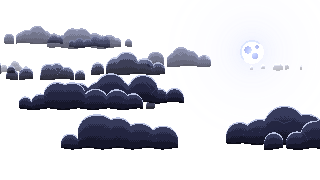
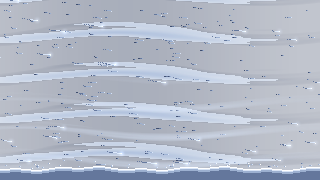
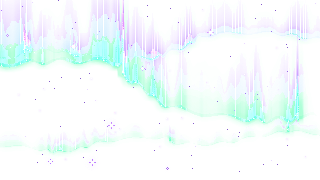
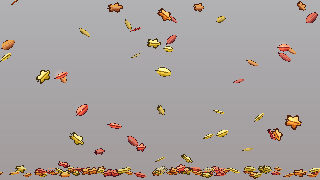
Rain and snow provide repeating falling particles. Fog and clouds work as broader atmosphere, while storm and blizzard create more forceful weather. Aurora suits a distant night sky. Falling-leaves gives a quieter seasonal cue without turning every scene into a downpour.
Use the eight examples as choices for different locations and intensity levels. Check contrast behind the player and keep particle density away from small interface text. A weather sprite is still an animation at a position, so screen coverage and repetition belong to your engine scene.
Test a small weather window
Export rain at native timing and place it in a compact test area. Repeat or tile the animation only after checking the loop boundary, texture edges and camera movement. Add fog behind the player to judge whether the two layers remain readable together.
Preview the same palette over dark and bright backgrounds in Sprite Maker before export. In your engine, compare the scene with weather enabled and disabled, and check how moving the camera changes the apparent speed of the rain.