 SpriteVFX
Weather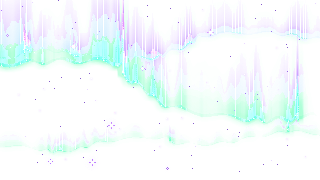
Aurora
320 × 180 / 360 frames
Browse rain, snow, fog, auroras and falling leaves. Preview atmosphere animations and export pixel weather sprite sheets.
12 / 12 effects shown — Frames match the editor at the effect’s default frame rate.
320 × 180 / 360 frames
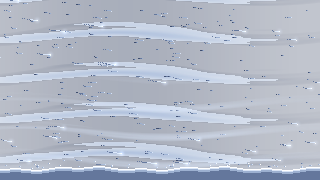
320 × 180 / 240 frames
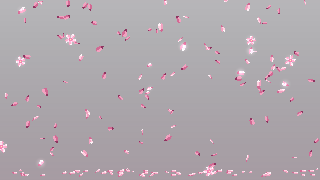
320 × 180 / 300 frames
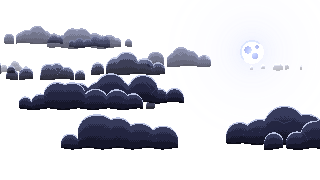
320 × 180 / 360 frames
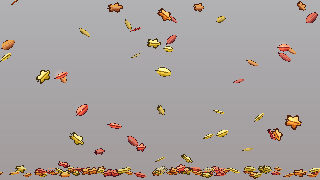
320 × 180 / 300 frames
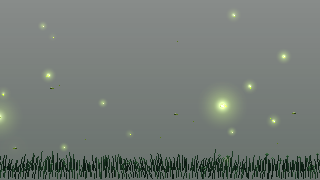
320 × 180 / 360 frames
320 × 180 / 360 frames
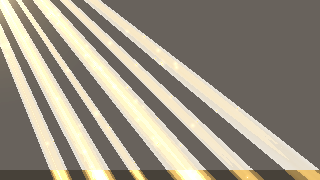
320 × 180 / 300 frames
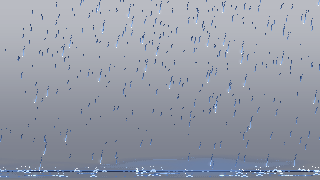
320 × 180 / 240 frames
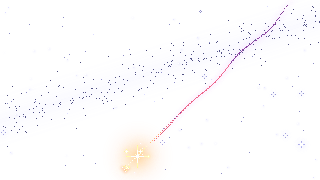
320 × 180 / 300 frames
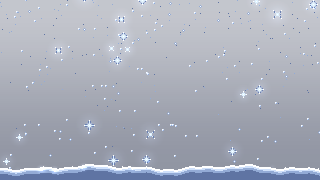
320 × 180 / 360 frames
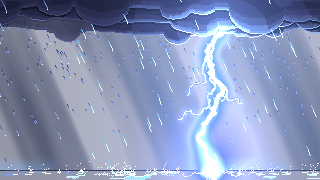
320 × 180 / 300 frames
Test weather with characters and UI visible. Reduce foreground contrast when it obscures targets, and inspect the canvas boundary before repeating an effect over a larger area.
Do not assume seamless edges. Inspect the selected animation before arranging repeated instances.
The rain animation has no collision. Use a separate rain splash or your own event to show ground contact.
Try a subdued palette and fewer overlapping instances, then evaluate the result during movement.