 SpriteVFX
Explosions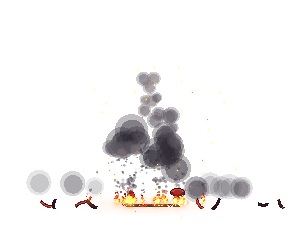
Barrel explosion
300 × 240 / 157 frames
Browse explosions, implosions, fireworks and smoke bursts. Preview each animation and export transparent PNG sprite sheets for game impacts.
12 / 12 effects shown — Frames match the editor at the effect’s default frame rate.
300 × 240 / 157 frames
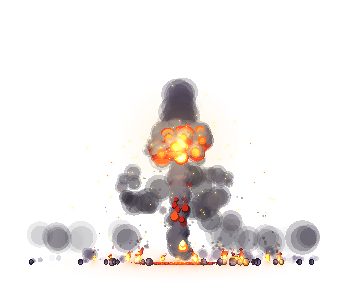
360 × 300 / 217 frames

184 × 144 / 33 frames
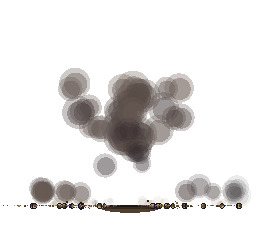
260 × 240 / 109 frames

240 × 248 / 109 frames
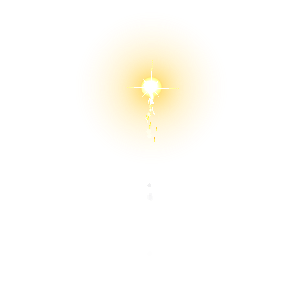
300 × 300 / 115 frames
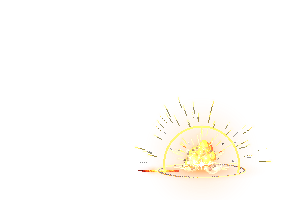
300 × 200 / 127 frames
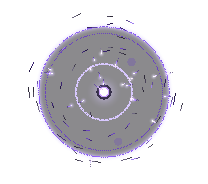
208 × 184 / 51 frames

400 × 320 / 271 frames
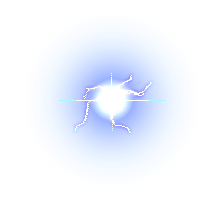
224 × 200 / 52 frames
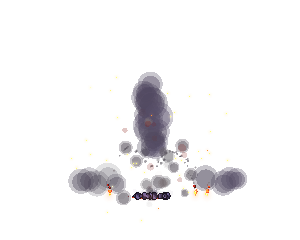
300 × 240 / 163 frames
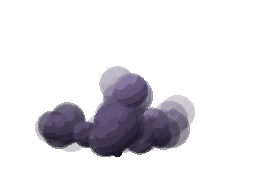
260 × 176 / 151 frames
Use a compact blast for nearby contact and reserve a larger silhouette for a major event. Align the center of the burst with the impact point, then inspect the smoke and fade against your level background.
Firework burst and Firework rocket offer a different silhouette from a destructive barrel or grenade blast.
Inspect the effect’s loop setting first. For persistent flames, browse the dedicated fire category instead.
It contains rendered pixels only. Damage, debris physics and camera shake must be added in the engine.